How to Enable Developer Mode on a DHB-T80 Android Taxi Headrest Display
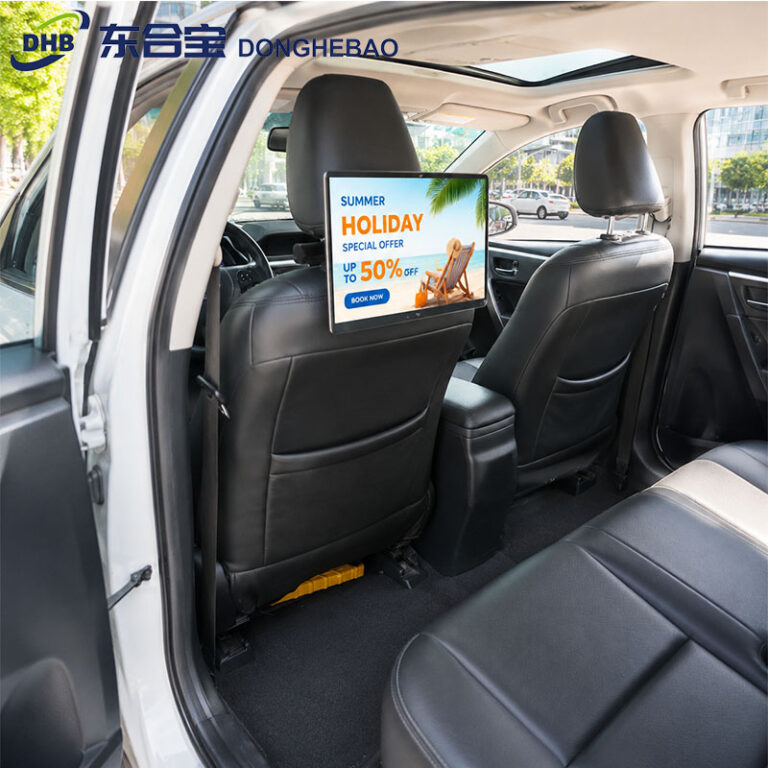
This guide explains how to enable Developer Mode on the DHB-T80 Android taxi headrest display and configure wireless or wired ADB access for development and technical support.

Find technical support for taxi headrest displays, including installation tutorials, troubleshooting guides, software updates, CMS configuration, maintenance tips, and product documentation.
This guide explains how to enable Developer Mode on the DHB-T80 Android taxi headrest display and configure wireless or wired ADB access for development and technical support.
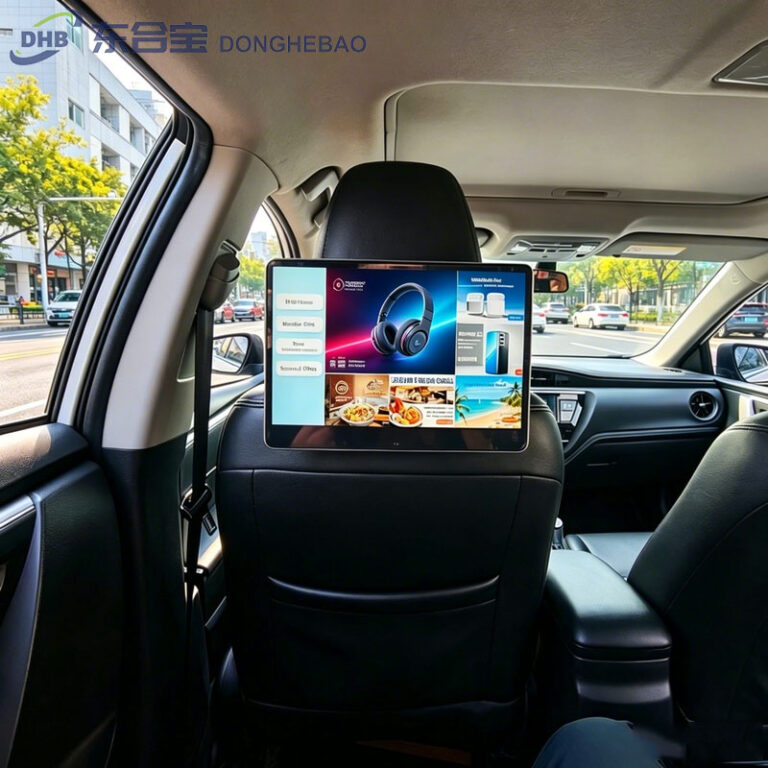
A professional rear seat advertising system CMS provides centralized control for taxi advertising displays, including remote management, advertising scheduling, GPS targeting, device monitoring, and data reporting.
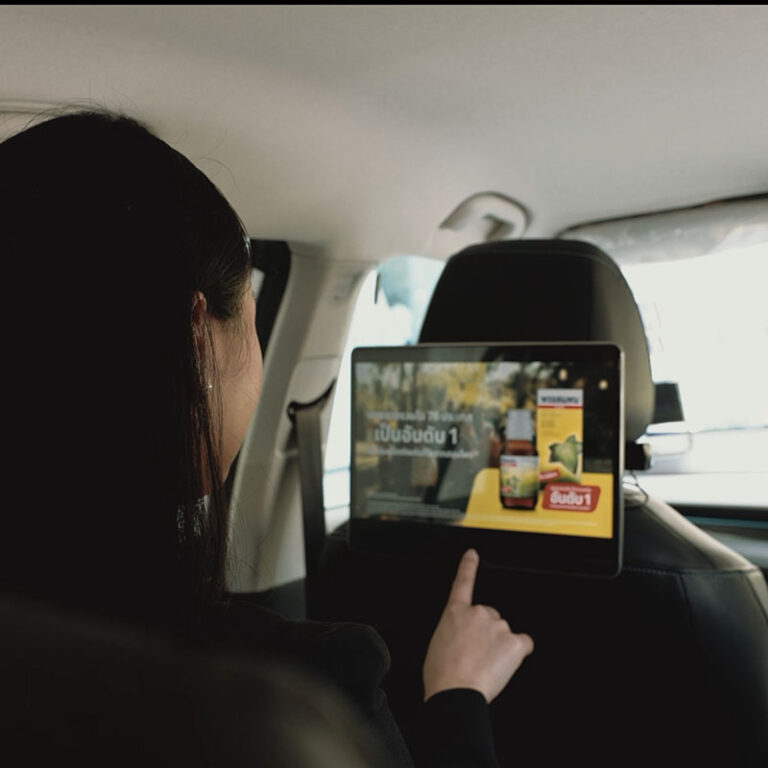
This article explains how to replace the startup logo on a DHB-T80 taxi headrest display. Follow the steps to customize the boot screen with your own brand logo.
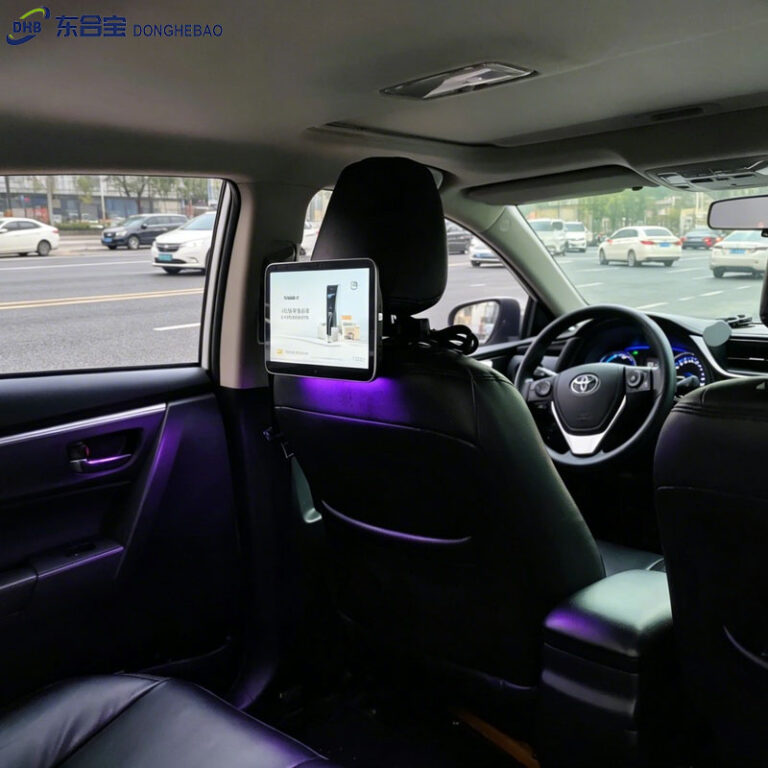
This guide explains how to hide the navigation bar on a DHB-T80 taxi headrest advertising tablet. Follow the simple setup steps to enable a cleaner full-screen display experience.
The DHB-T80 solution supports instant APK auto-start, allowing a selected APK to launch immediately when the taxi advertising monitor powers on, without the typical waiting period before automatic startup.
This guide explains how to upgrade the firmware of the DHB-T80 taxi rear seat display using a USB flash drive, including file preparation, renaming instructions, and upgrade precautions.
Learn how to recover an RK3566 taxi headrest advertising tablet that cannot enter the Android system. This guide explains how to prepare a USB firmware drive and complete the firmware recovery safely.
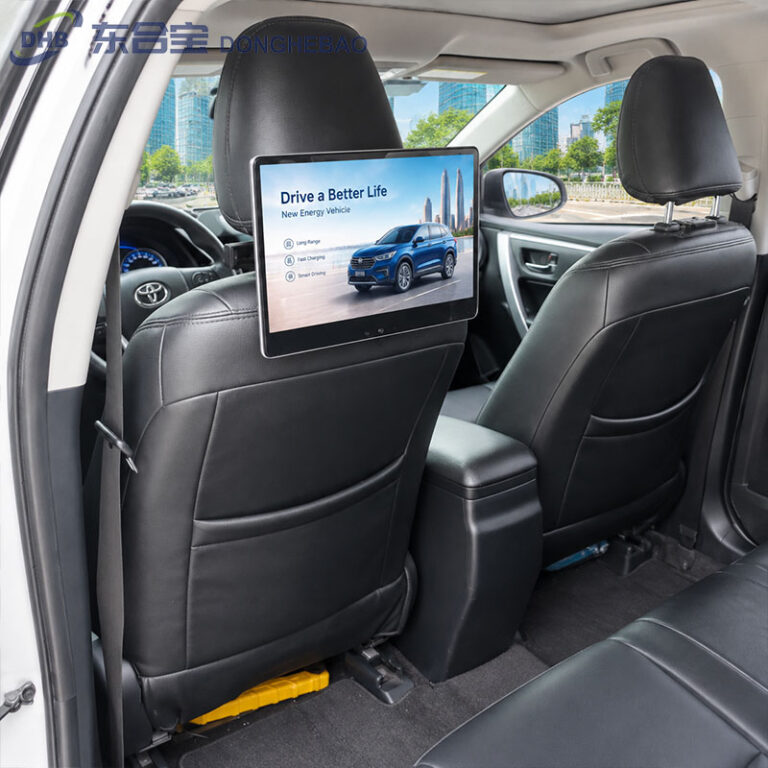
This quick guide explains how to install the universal mounting bracket for a DHB Taxi Seat Back Screen, including bracket installation, power cable routing, display mounting, and PVC protection.
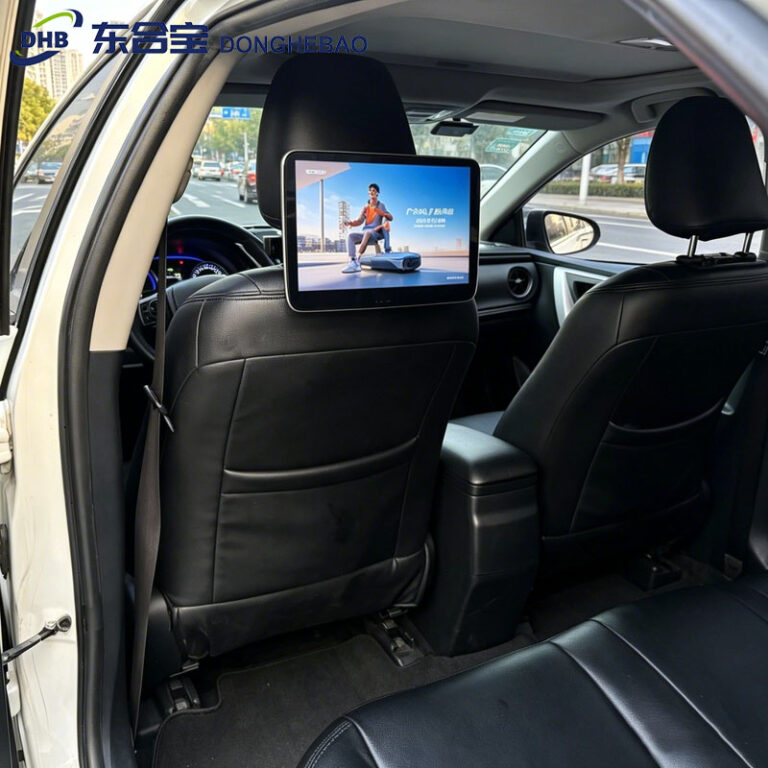
The IMEI number is a unique device identifier for DHB Taxi Headrest Tablets with 4G modules. Follow this simple guide to quickly check the IMEI number through Android settings.
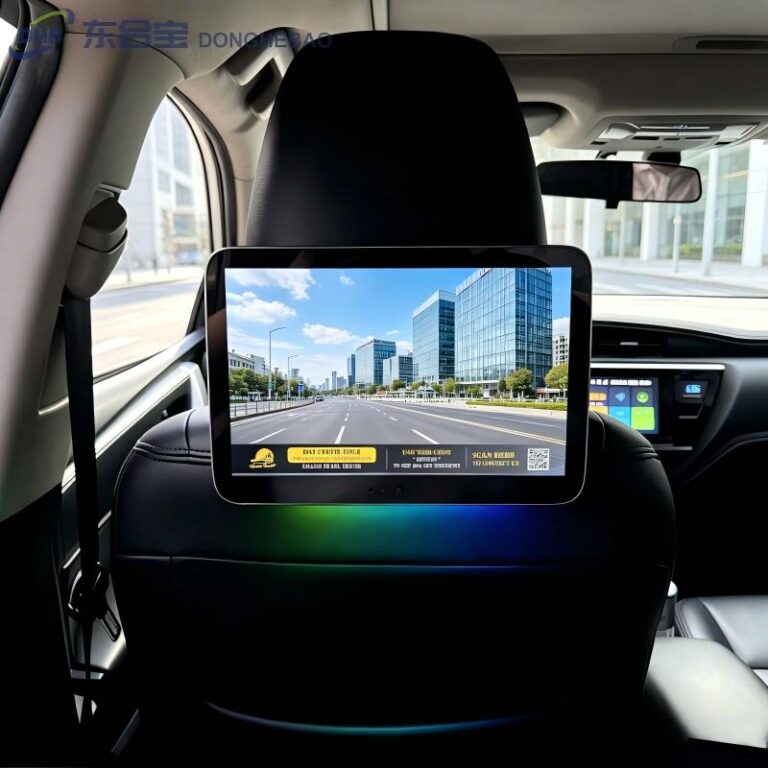
DHB Taxi Digital Signage supports wireless ADB debugging through WiFi, allowing engineers to debug applications, install software, and transfer files without a physical USB connection. This guide explains the complete setup process.