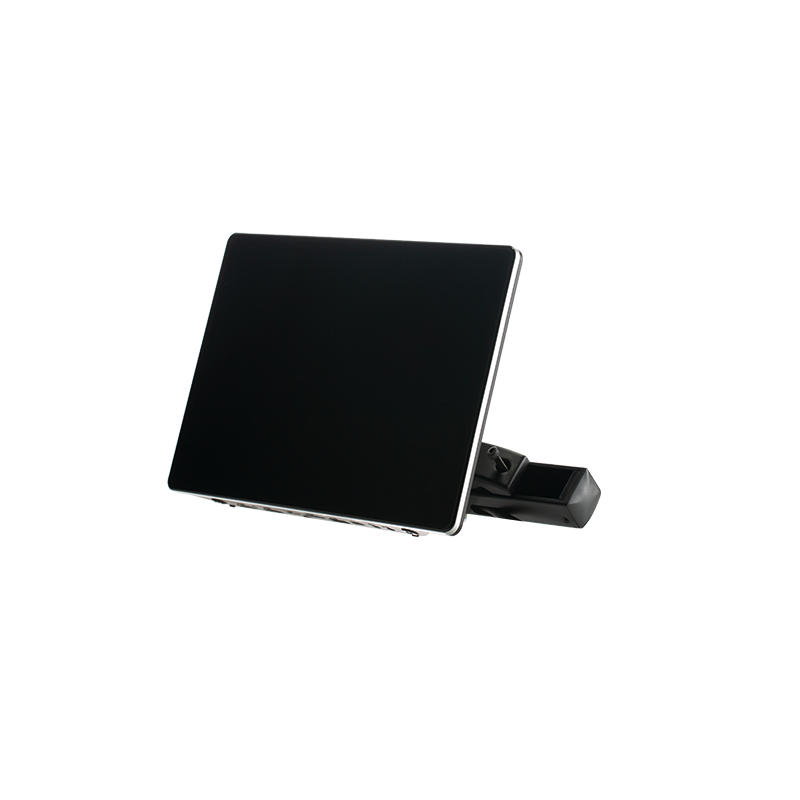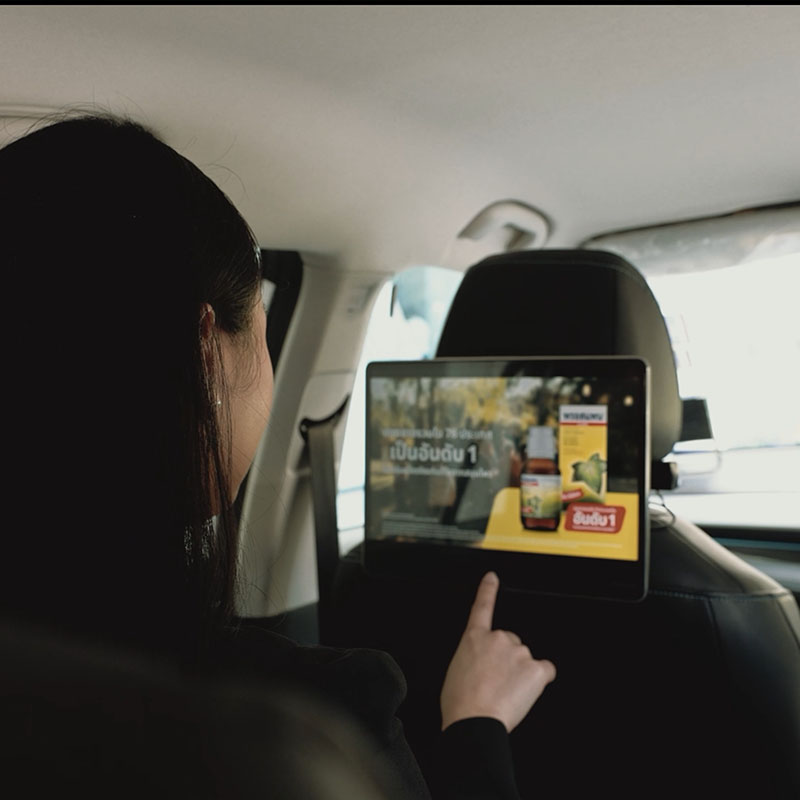
For commercial applications, brand customization is an important part of professional taxi headrest display technology.
The startup logo displayed when the device powers on is often the first visual impression for passengers and operators. DHB-T80 supports customized boot logo replacement, allowing customers to display their own company logo, brand image, or project-specific startup screen.
This article explains how to replace the boot logo on a DHB-T80 taxi headrest display.
Important: This method is only applicable to the DHB-T80 solution. Other DHB hardware solutions may require different upgrade files or procedures.
Preparation Before Changing the Boot Logo
Before starting the replacement process, please prepare the following items:
1. Prepare the Logo Image
The logo image must meet the following requirements:
Image Format Requirements:
- Format: BMP
- Color: 24-bit BMP
- Resolution: According to the display resolution of your tablet
The image resolution must match the actual screen resolution of the taxi headrest display.
Before preparing the image, please contact your DHB sales representative to confirm the exact display resolution of your device.
2. Request the Factory Auto File
To complete the boot logo replacement, you need a specific file:
factory_auto
Please contact DHB sales or technical support to obtain the required factory_auto file.
This file is necessary for the system to recognize and apply the customized boot logo.
How to Change the Boot Logo
Follow the steps below to replace the startup logo.
Step 1: Prepare the USB Drive
Prepare a USB flash drive.
Recommended requirements:
- USB capacity: No more than 64GB
- Format: FAT32 is recommended
Copy the following two files into the root directory of the USB drive:
- Logo image file
- factory_auto file
Please make sure the files are placed directly in the root directory, not inside any folder.
Step 2: Rename the Logo File
After copying the logo image into the USB drive, rename the image file to:
factory_logo
Please ensure that:
- Only the file name is changed.
- The file format remains BMP.
The final file name should be recognized as:
factory_logo.bmp
Step 3: Insert the USB Drive
Turn on the DHB-T80 taxi headrest display.
When the device is running normally, insert the USB drive into the device.
The system will automatically detect the logo file and begin the replacement process.
No additional operation is required.
Step 4: Complete the Logo Update
After inserting the USB drive:
- Wait approximately 10 seconds.
- Restart the taxi headrest display.
After restarting, the new boot logo will appear during startup.
Once the replacement is completed successfully, remove the USB drive.
The boot logo update process is now complete.
Boot Logo Replacement Process
The complete process is:
Prepare BMP 24-bit Logo → Confirm Screen Resolution → Obtain factory_auto File → Copy Files to USB Root Directory → Rename Logo to factory_logo → Insert USB While Device Is Running → Wait 10 Seconds → Restart Device → Complete Logo Update
Why Customize the Boot Logo?
For taxi fleets, advertising companies, and system integrators, customized startup logos provide several advantages:
1. Brand Recognition
A customized boot logo allows operators to display their own brand identity every time the device starts.
2. Professional User Experience
A personalized startup screen provides a more professional appearance for passengers and partners.
3. OEM Project Customization
For large-scale taxi projects, customized boot logos are often required as part of OEM and ODM solutions.
DHB supports customized solutions for different taxi headrest display projects.taxi headrest display
Important Notes
Before changing the boot logo, please confirm the following:
- This method is only for the DHB-T80 solution.
- The logo image must be a 24-bit BMP file.
- The image resolution must match the display resolution.
- Please obtain the correct factory_auto file from DHB before operation.
- The USB drive capacity is recommended to be no more than 64GB.
- Do not remove the USB drive during the recognition process.
- Restart the device after completing the update.
FAQ
1. Which DHB devices support boot logo customization?
The method in this article applies to the DHB-T80 taxi headrest display solution.
2. What image format is required for the boot logo?
The logo must be:
- BMP format
- 24-bit color
The resolution should match the screen resolution of the device.
3. Where can I get the factory_auto file?
The factory_auto file is a required configuration file. Please contact DHB sales or technical support to obtain it.taxi headrest display
4. Does the logo file need to keep the original name?
No.
After copying the logo image to the USB drive, rename it to:
factory_logo
5. How long does the logo replacement process take?
After inserting the USB drive, the system normally recognizes and applies the logo within approximately 10 seconds.
Then restart the device to complete the update.
6. Can DHB customize different startup logos for different projects?
Yes.
DHB supports OEM and ODM customization, including boot logo customization, firmware customization, and project-specific Android solutions.
Contact DHB
If you need support for taxi headrest display technology, including boot logo customization, firmware configuration, OEM customization, or DHB-T80 project solutions, please contact the DHB technical team.
WhatsApp: +8613422871594
Email: kiki@donghebao.com
website:www.dhbtaxiad.com
Contact Us