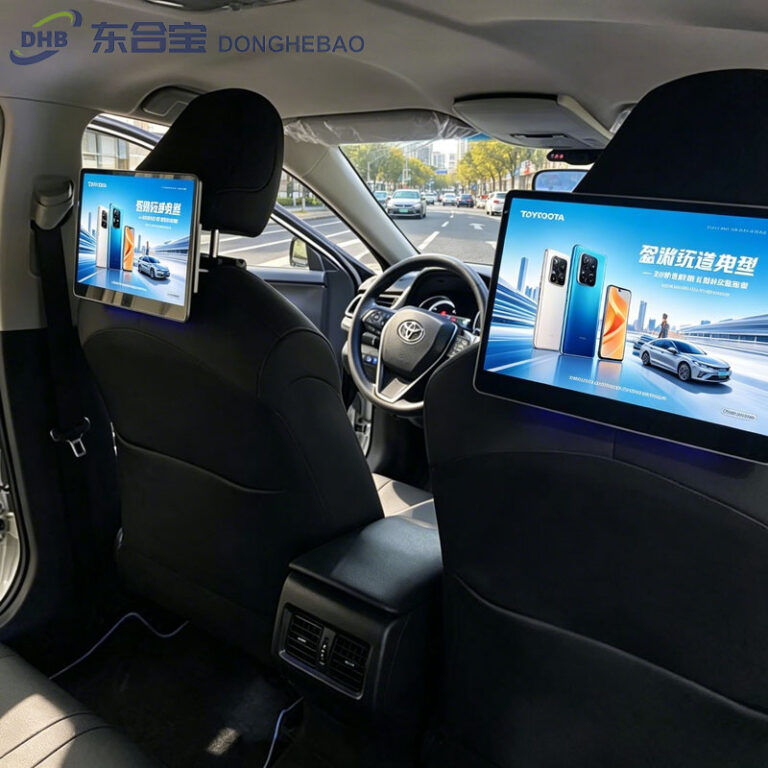
How to Enable Developer Mode on a DHB-T80 Android Taxi Headrest Display
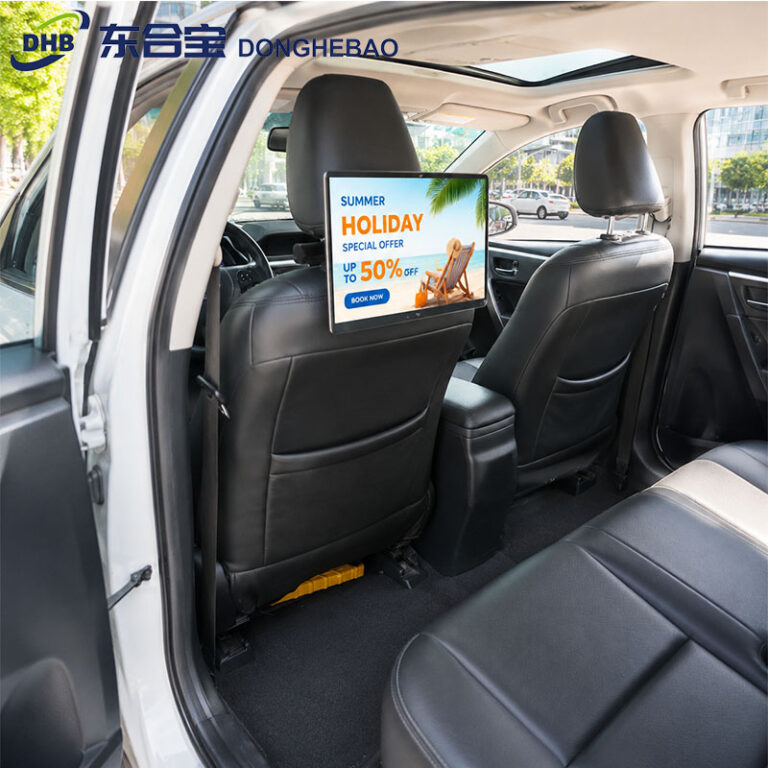
This guide explains how to enable Developer Mode on the DHB-T80 Android taxi headrest display and configure wireless or wired ADB access for development and technical support.


This guide explains how to enable Developer Mode on the DHB-T80 Android taxi headrest display and configure wireless or wired ADB access for development and technical support.
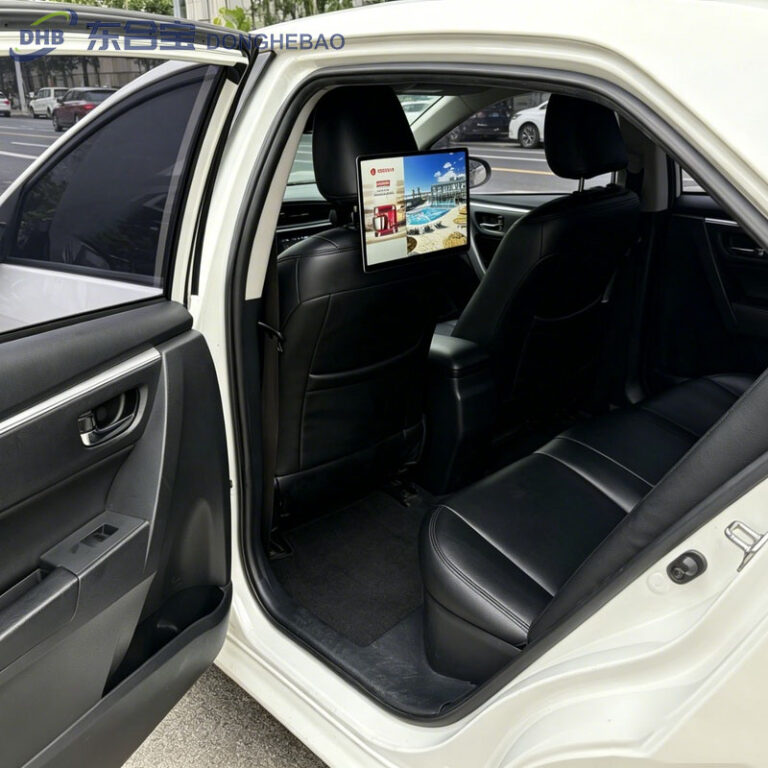
AI camera technology makes in vehicle advertising displays smarter by analyzing passenger audiences, optimizing advertising delivery, and improving advertising ROI.
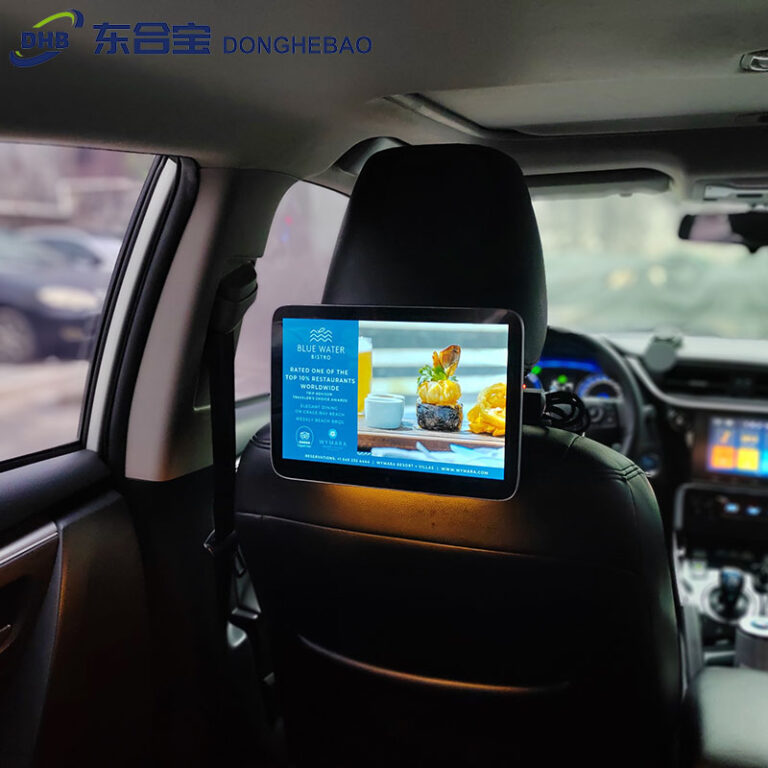
A complete 2026 guide to taxi seatback advertising screens, covering display technology, CMS management, installation methods, and how fleets can create new advertising opportunities.
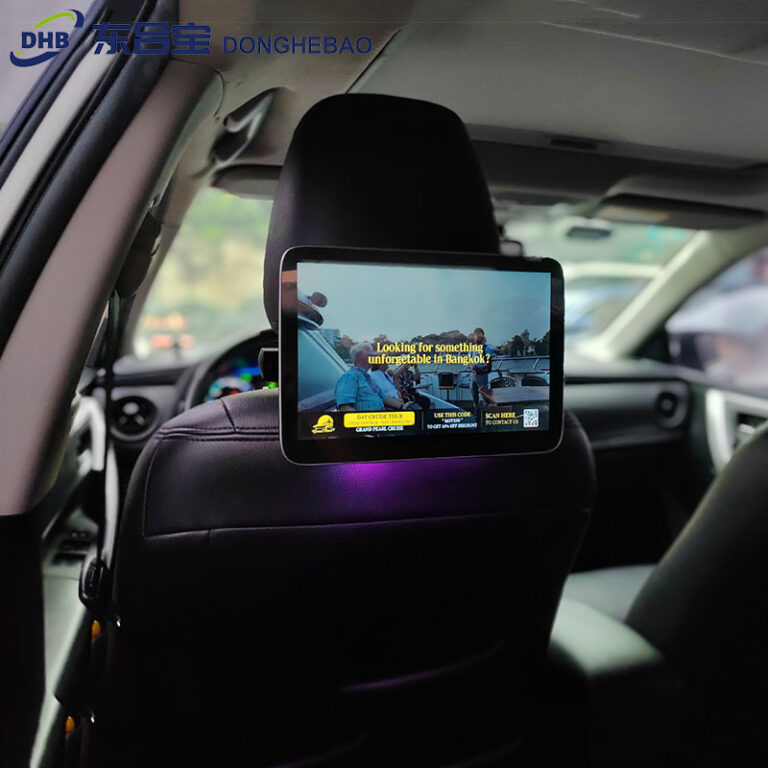
Taxi rear seat advertising displays transform vehicles into digital advertising platforms, helping taxi fleets generate additional income while improving passenger experience.
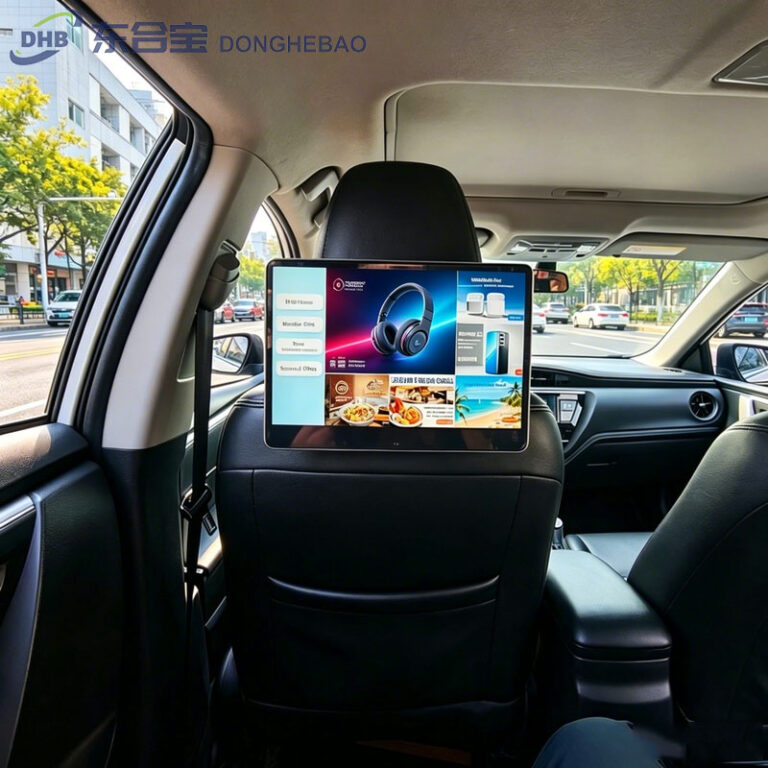
A professional rear seat advertising system CMS provides centralized control for taxi advertising displays, including remote management, advertising scheduling, GPS targeting, device monitoring, and data reporting.
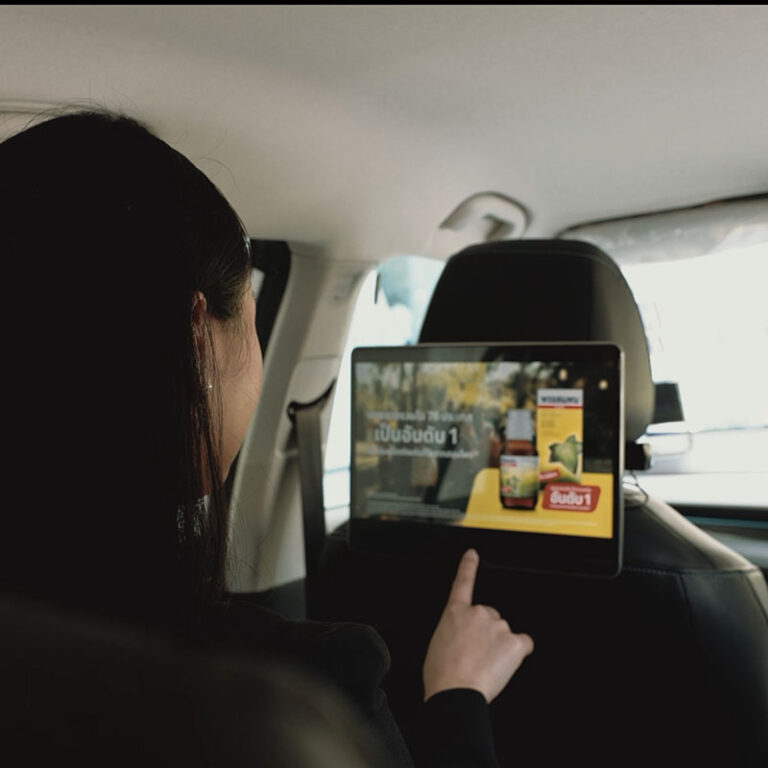
This article explains how to replace the startup logo on a DHB-T80 taxi headrest display. Follow the steps to customize the boot screen with your own brand logo.
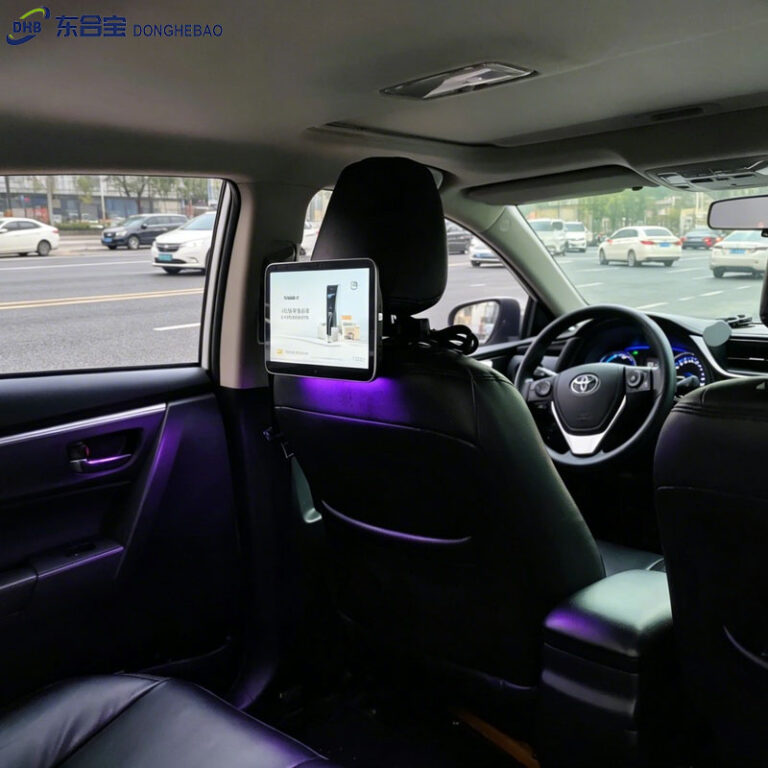
This guide explains how to hide the navigation bar on a DHB-T80 taxi headrest advertising tablet. Follow the simple setup steps to enable a cleaner full-screen display experience.
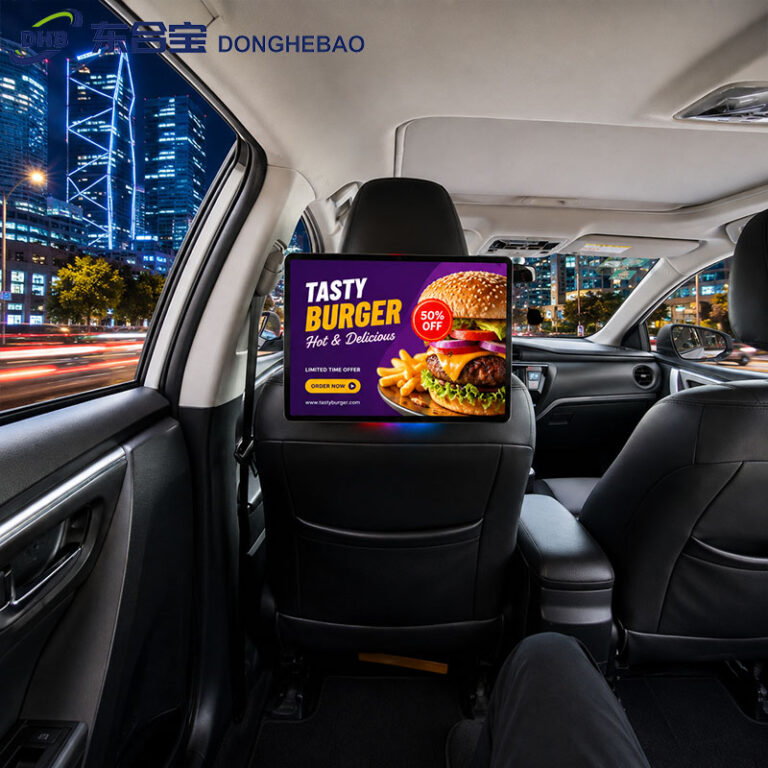
The DHB-T80 solution supports instant APK auto-start, allowing a selected APK to launch immediately when the taxi advertising monitor powers on, without the typical waiting period before automatic startup.
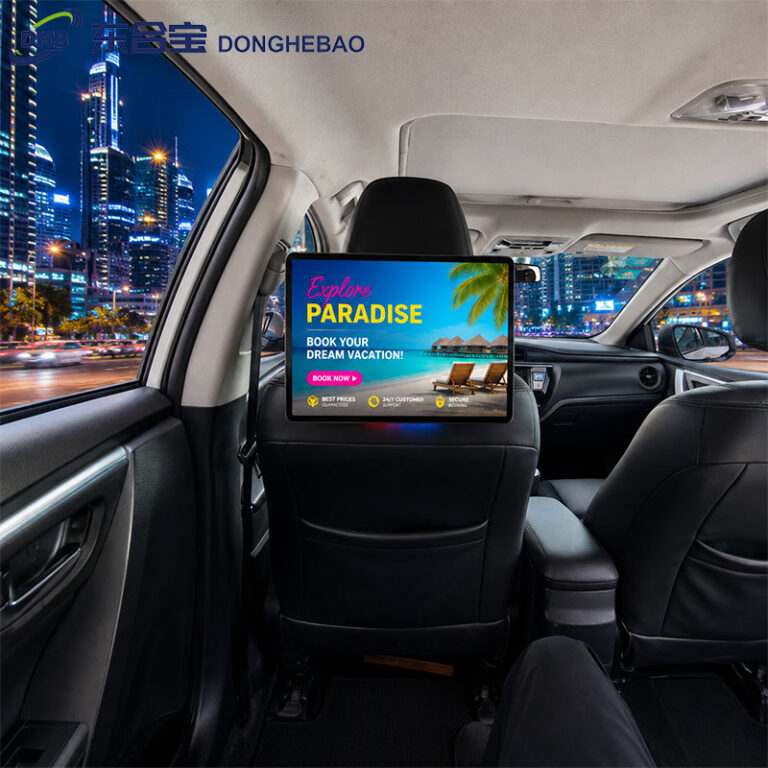
This guide explains how to upgrade the firmware of the DHB-T80 taxi rear seat display using a USB flash drive, including file preparation, renaming instructions, and upgrade precautions.