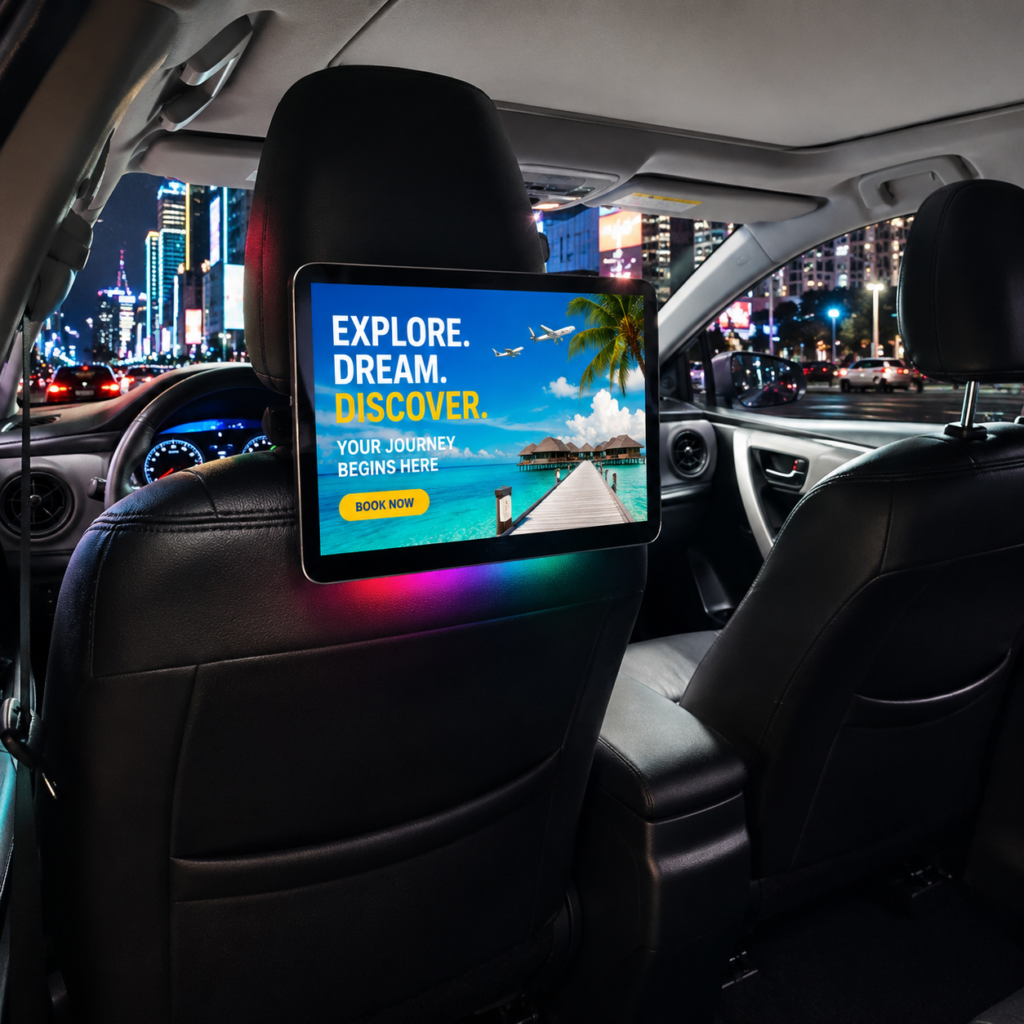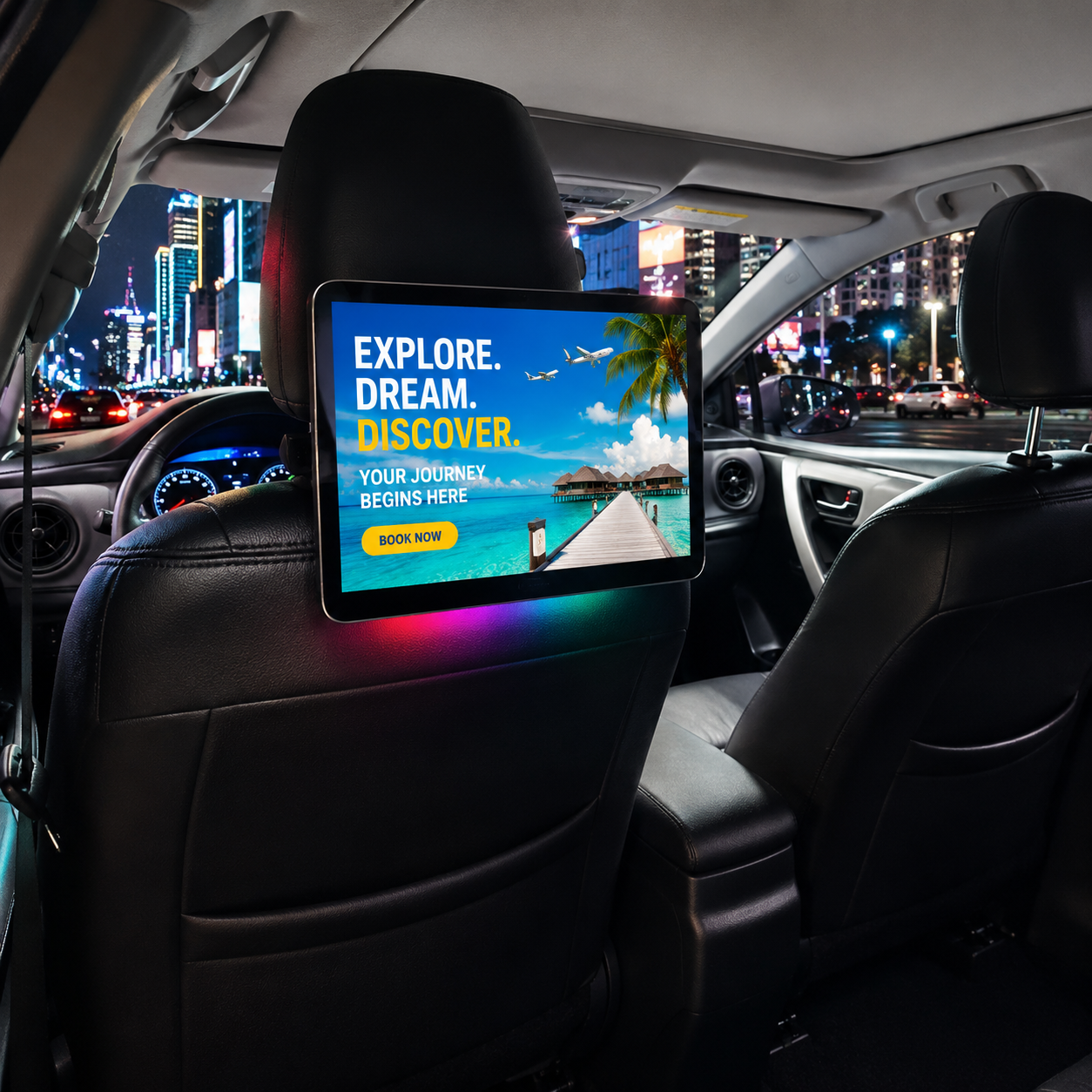
How to Recover a Taxi Headrest Advertising Tablet with RK3566 Firmware
A taxi headrest advertising tablet is designed to operate continuously inside vehicles, but like any Android-based device, it may occasionally encounter a system failure. In some cases, the device may be unable to enter the Android system after startup and remain stuck on the boot logo or the seat belt screen.
For DHB taxi advertising machines using the RK3566 platform, a USB firmware recovery process can be used to restore the system.
This guide explains how to prepare the firmware USB drive, create the required firmware image, start the recovery process, and complete the installation safely.
If your Taxi headrest advertising tablet cannot boot normally, follow the steps below carefully.
Table of Contents
- When Should You Use This Firmware Recovery Method?
- What You Need Before Starting
- Step 1: Prepare the USB Flash Drive
- Step 2: Connect the USB Drive to a Computer
- Step 3: Prepare the Firmware Files
- Step 4: Create the Firmware USB Drive
- Step 5: Start the Firmware Recovery
- Step 6: Complete the Recovery Process
- Important Safety Tips
- Frequently Asked Questions
- Contact DHB Technical Support
When Should You Use This Firmware Recovery Method?
This firmware recovery method is mainly designed for situations where the RK3566 taxi advertising machine cannot enter the Android system normally.Taxi Headrest Advertising Tablet
Typical symptoms may include:
- The device is stuck on the boot logo.
- The device remains on the seat belt screen.
- The Android system cannot be loaded after startup.
- The device repeatedly attempts to start but cannot enter the normal interface.
- The tablet becomes unusable because of a system or firmware problem.
If your Taxi headrest advertising tablet is experiencing one of these problems, firmware recovery may restore the Android system.
Before starting, make sure you are using the correct firmware provided by DHB for your specific device.
What You Need Before Starting
Before beginning the firmware recovery process, prepare the following:
- One USB flash drive
- A Windows computer that can read and write to the USB drive
- The firmware package provided by DHB
- The SD_Firmware_Tool utility
- The RK3566 taxi advertising machine
The USB flash drive should meet these requirements:
- FAT32 format
- 64GB or smaller
- Enough available storage for the firmware image
- No important files stored on the drive
Important: Creating the firmware image will format the USB flash drive. All existing data on the USB drive may be erased. Taxi Headrest Advertising Tablet
For this reason, we strongly recommend using an empty USB flash drive or backing up all important files before starting.
Step 1: Prepare the USB Flash Drive
First, prepare a suitable USB flash drive.
The USB drive should be formatted as FAT32 and should have a storage capacity of 64GB or less.
Insert the USB flash drive into your computer and check that Windows can correctly recognize it.
You should also make sure that you can read and write files to the USB drive before continuing.
Because the firmware creation process will format the USB drive, do not use a USB drive containing important documents, photos, videos, or other files.
Step 2: Connect the USB Drive to a Computer
Insert the prepared USB flash drive into the computer.
Wait until the computer recognizes the drive.
Before continuing, confirm that the USB drive is accessible and that there are no connection problems.
A stable USB connection is important because the firmware image will be written directly to the drive during the preparation process.
Step 3: Prepare the Firmware Files
Open the compressed firmware package provided by DHB.
Inside the package, you will find:
- Two compressed files
- One PDF instruction document
- Two video tutorials
Before performing the firmware recovery, we recommend reading the PDF carefully and watching the provided video tutorials.
The tutorials explain the firmware preparation and upgrade process in detail and should be followed together with this guide.
One of the important firmware files is:
For example:T60-ADV_V3.3_LQ
Make sure you use the firmware provided by DHB for the corresponding taxi advertising machine.
Do not replace the firmware with a different version unless DHB technical support confirms that it is compatible with your device.
Step 4: Create the Firmware USB Drive
Extract the file named:
SDDiskTool-v1.7
After extraction, locate the following application:
SD_Firmware_Tool.exe
Open the tool and follow the instructions shown in the provided tutorial.
Select the DHB firmware:
For example:T60-ADV_V3.3_LQ
Then use the tool to create the firmware image on the USB flash drive.
During this process, the USB drive will be formatted and the required firmware files will be written to it.
Wait until the firmware creation process has completely finished.
Once the firmware USB drive has been successfully created, safely unplug the USB flash drive from the computer.
The USB drive is now ready to be used for firmware recovery.
Step 5: Start the Firmware Recovery
Before inserting the USB drive into the taxi advertising machine, disconnect the power from the device.
Make sure the taxi headrest advertising tablet is completely powered off.
Then insert the prepared firmware USB drive into the tablet.
After the USB drive is connected, power on the taxi advertising machine.
The device should detect the firmware USB drive and begin the firmware recovery process.
At this point, do not perform unnecessary operations.
Most importantly:
Do not unplug the USB flash drive during the upgrade process.
Do not disconnect the power supply during the upgrade process.
Interrupting the firmware installation may cause the system to become unusable or may require the recovery process to be repeated.
Step 6: Complete the Recovery Process
The firmware recovery process normally takes approximately 10–20 minutes.
Please be patient during this period.
Do not judge the process only by the appearance of the screen. Follow the completion indication or prompt shown in the provided DHB tutorial.
When the upgrade completion screen or prompt shown in the tutorial appears, you can unplug the USB flash drive.
After the USB drive is removed, the taxi advertising machine will automatically restart.
The first boot after firmware recovery may take approximately 2 minutes.
This first startup can take longer than a normal boot because the system needs to initialize after the firmware installation.
Do not immediately assume that the recovery has failed if the device takes longer to start.
Wait patiently until the Android system has completely loaded.
Important Safety Tips
Firmware recovery is an important operation for an RK3566 Taxi headrest advertising tablet. To reduce the risk of problems, keep the following points in mind:
1. Use the correct firmware
Only use firmware supplied or confirmed by DHB for the corresponding device.
2. Use a suitable USB drive
Use a FAT32 USB flash drive with a capacity of 64GB or less.
3. Back up important files
The firmware creation process will format the USB drive, so make sure there are no important files stored on it.
4. Do not disconnect power
Never disconnect the taxi advertising machine’s power during the firmware installation.
5. Do not remove the USB drive too early
Keep the USB drive connected until the firmware upgrade has finished and the completion indication shown in the tutorial appears.
6. Allow enough time for the first boot
After recovery, the first startup may take approximately 2 minutes. Do not interrupt the device during this stage.
Why Firmware Recovery Matters for Taxi Advertising Machines
A taxi advertising machine may operate for long periods every day, often starting and shutting down automatically with the vehicle’s power system. Stable firmware is therefore important for reliable operation.Taxi Headrest Advertising Tablet
A proper firmware recovery process can help restore the Android operating system when the device cannot boot normally.Taxi Headrest Advertising Tablet
For taxi operators, fleet companies, advertising companies, and system integrators, having a clear firmware recovery procedure can also reduce unnecessary downtime and make technical support more efficient.
DHB provides technical support and firmware solutions for its taxi headrest advertising displays, helping customers maintain their equipment and keep their advertising systems running reliably.
Frequently Asked Questions
1. What problems can this firmware recovery solve?
This recovery method can be used when an RK3566 taxi advertising machine cannot enter the Android system, including situations where the device is stuck on the boot logo or seat belt screen.
2. What USB flash drive should I use?
Use a USB flash drive formatted as FAT32 with a storage capacity of 64GB or less. It is recommended to use an empty USB drive.
3. Will the USB drive be formatted?
Yes. Creating the firmware image will format the USB flash drive. Back up any important files before starting.
4. Which tool should I use to create the firmware USB?
Use the SD_Firmware_Tool.exe application included in the extracted SDDiskTool-v1.7 package.
5. Which firmware should I select?
For this recovery procedure, select the DHB-provided firmware:
For example:T60-ADV_V3.3_LQ
Always confirm that the firmware matches your specific taxi advertising machine.
6. How long does the firmware upgrade take,Taxi Headrest Advertising Tablet?
The firmware recovery process normally takes approximately 10–20 minutes.
7. How long does the first boot take after recovery?
The first boot may take approximately 2 minutes. Please wait patiently and do not interrupt the device.
8. Can I unplug the USB drive during the firmware upgrade?
No. Do not unplug the USB drive until the upgrade has finished and the completion indication shown in the DHB tutorial appears.
9. Can I disconnect the power during the upgrade?
No. Disconnecting power during firmware installation may cause the recovery process to fail.Taxi Headrest Advertising Tablet
Contact DHB for Technical Support
If your Taxi headrest advertising tablet cannot boot normally or you are unsure which firmware should be used, please contact DHB before performing the recovery operation.
Shenzhen Donghebao Technology Co., Ltd. provides taxi headrest advertising displays, Android taxi advertising machines, OEM & ODM services, firmware support, and technical solutions for global taxi advertising projects.
WhatsApp: +86 13422871594
Email: kiki@donghebao.com
Website: dhbtaxiad.com
Contact Us to discuss your taxi advertising display project or request technical support.