

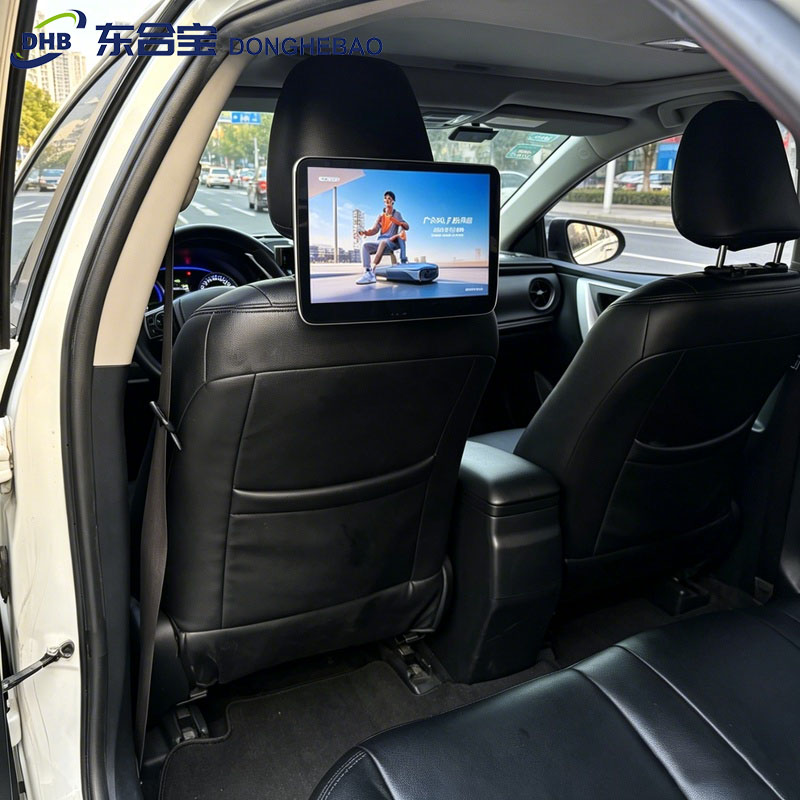
How to Check IMEI Number on DHB Taxi Headrest Tablet
Introduction
The IMEI number is the unique identification code of a mobile communication device.
For DHB Taxi Headrest Tablet models equipped with a built-in 4G module, the IMEI number is commonly required for:
- 4G network activation
- Device registration
- CMS platform binding
- After-sales technical support
This guide explains how to quickly check the IMEI number on your DHB taxi headrest tablet.
Important Notice
This method only applies to DHB Taxi Headrest Tablet models with a built-in 4G module.
If your device is a WiFi-only version, the IMEI number will not be available.
Steps to Check IMEI Number
Step 1: Open APP Menu
From the main interface of the DHB taxi headrest tablet, click:
APPS
to enter the application menu.
Step 2: Enter Settings
Find and click:
Settings
(the gear icon)
to open system settings.
Step 3: Open Android Settings
In the settings menu, select:
Android Settings
to enter the original Android system settings page.
Step 4: Find About Device
Scroll down to the bottom of the Android settings page.
Select:
About Device
or
About Tablet
Step 5: View IMEI Number
In the About Device page, you can find:
IMEI
or
IMEI Number
Record the IMEI number or save it for future use.
Operation Path
The complete path is:
APPS → Settings → Android Settings → About Device → IMEI
FAQ
1. What is an IMEI number?
IMEI (International Mobile Equipment Identity) is a unique identification number assigned to mobile communication devices.
It is used for device identification, mobile network services, and device management.
2. Why do I need the IMEI number of my taxi headrest tablet?
The IMEI number may be required for:
- 4G network activation
- CMS device binding
- Device management
- Technical support
3. Why can’t I find the IMEI number?
The IMEI number is only available on devices with a built-in 4G communication module.
WiFi-only taxi headrest tablets do not have an IMEI number.
4. Can DHB provide technical support?
Yes.
DHB provides support for:
- Device configuration
- 4G module setup
- CMS connection
- Firmware upgrade
- OEM & ODM customization
CTA
Need Support for DHB Taxi Headrest Tablet?
DHB specializes in manufacturing professional:
- Taxi Headrest Tablet
- Taxi Headrest Display
- Taxi Rear Seat Display
- Taxi Digital Signage Solutions
We provide complete technical support including:
- Device configuration
- 4G network setup
- CMS integration
- Firmware upgrades
- Hardware customization
WhatsApp: +8613422871594
Email: kiki@donghebao.com
Contact Us: Contact DHB Team
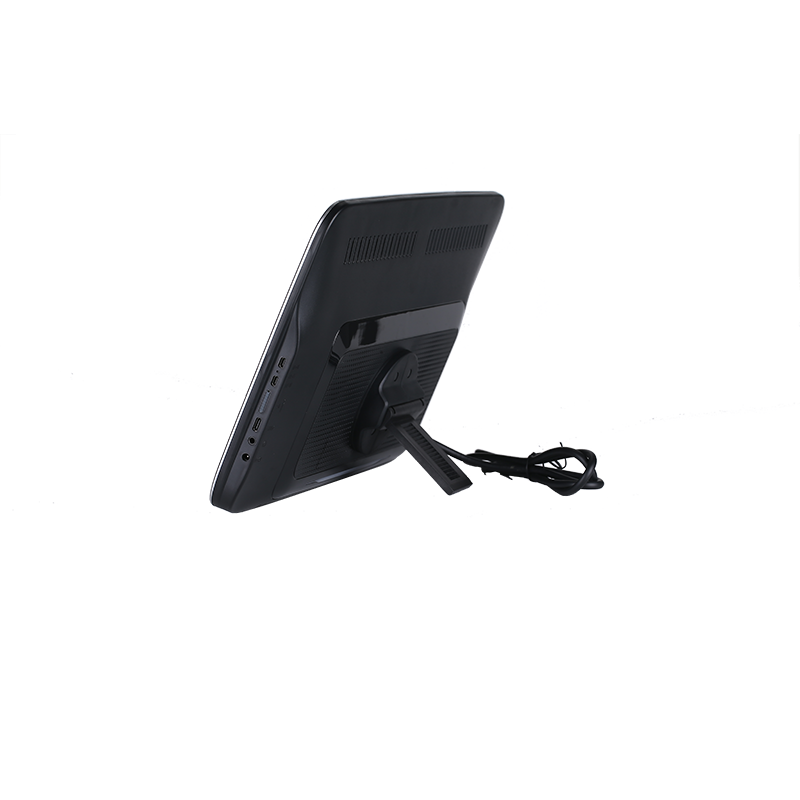
taxi headrest tablet